This article has not yet been rated.
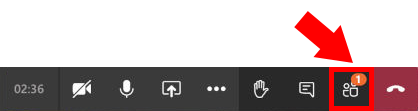
To raise your hand in a Teams meeting, click the hand icon on the Toolbar.

Clicking again will lower your hand.

The meeting organizers/presenters will see a notification on the participant list icon on their toolbar which indicates that a hand has been raised.
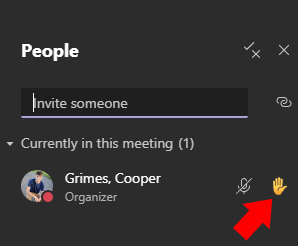
When your hand is raised, you will appear at the top of the participant list with a hand icon next to your name.
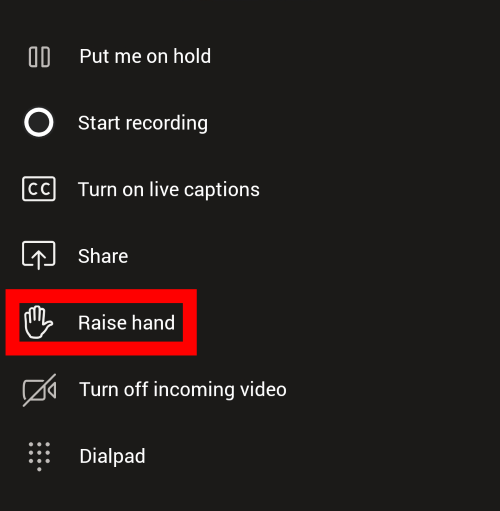
On a mobile device, raising your hand requires you to click the ellipses.

Then, the hand icon will appear in the pop-up menu.