Step 1 - Find a Job
Log in to
HireHendrix (use your HENDRIX email address because you already have an account in the system). Click "Jobs" in the top right corner, then click "Position Type"
and select "School Year Student Worker." A list of jobs will populate and you can see their descriptions, skills required, etc.
You may apply for as many jobs as you’d like, just remember to follow the specific application instructions as each job might have different application procedures. For detailed tips and instructions, check out "
Five Steps to a Successful Student Employment Job Search." If you need help with resumes, applications, or HireHendrix visit the Office of Career Success.
Step 2 - Complete Onboarding
Once you have been hired, you will receive an email from NoReplyTPC@myisolved.com with a link and instructions to create your account and upload forms and complete the onboarding process . If you do not receive that email or have
any questions about the paperwork, please email Human Resources.
Please follow the upload and document instructions thoroughly. Note that you will upload all documents into iSolved, but then need to bring the "real" copies to be verified in-person at the Human Resources office in Fausett 102. *Returning student workers may not have to upload copies...the iSolved system will alert you to what documents are needed, if any.
You may not begin working until you have received the work authorization email from Human Resources.
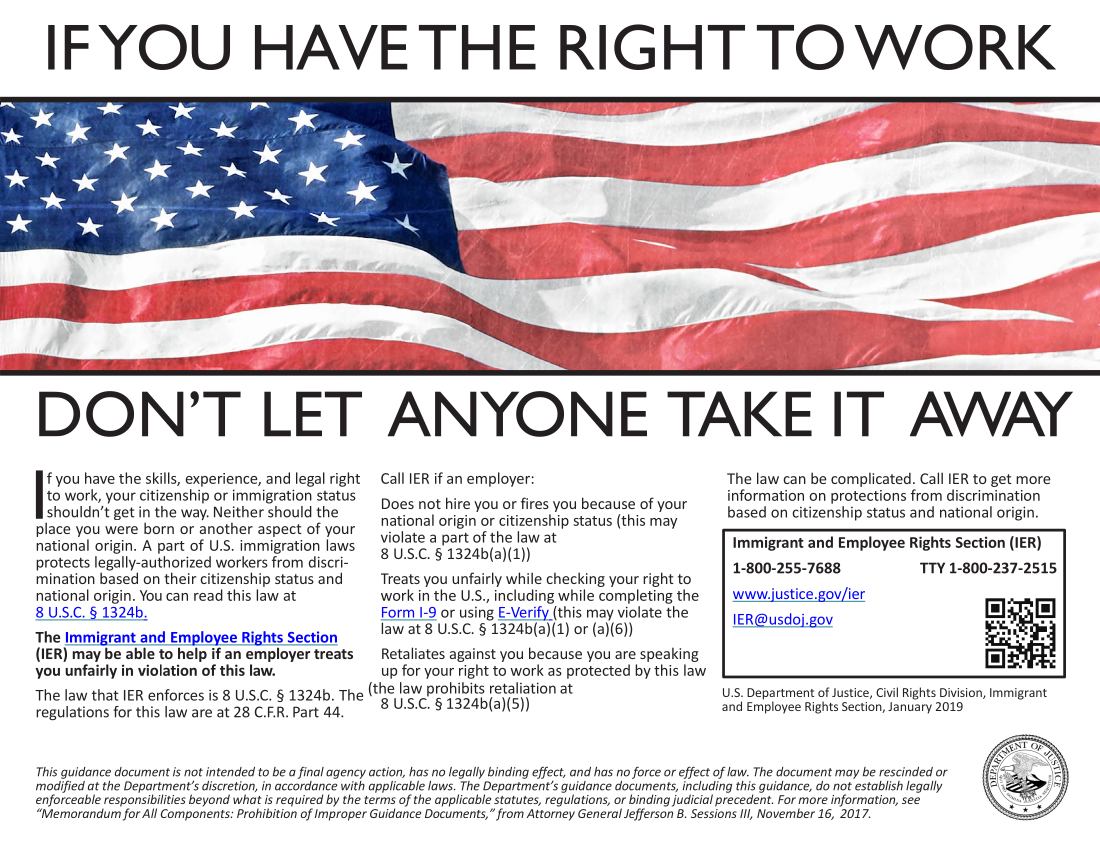
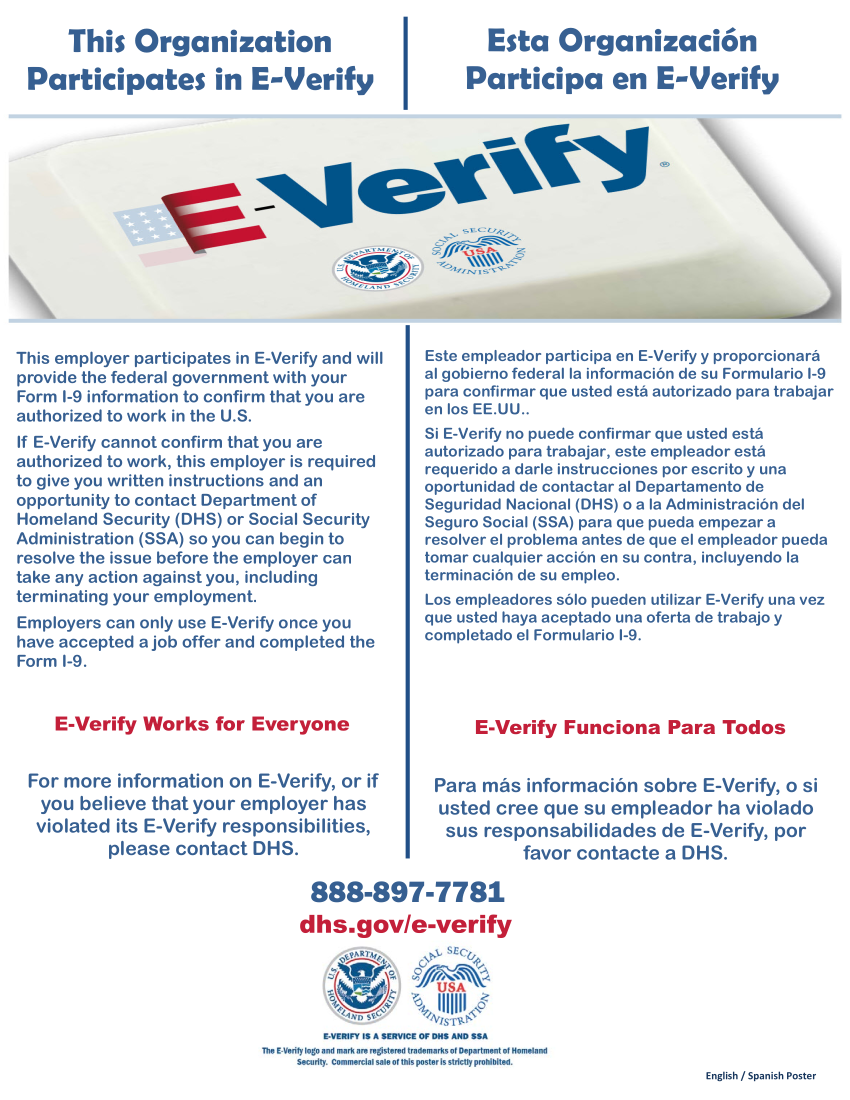
** A quick note on I-9 documentation. You can find a complete list of accepted IDs on the I-9 form, but generally we find the most common options are to bring us either: 1.) both your driver's license AND social security card or 2.) your passport. They must be originals and not copies, or photographs. We will not be able to pay you without I-9 supporting documents and you will not be able to start work without completing all paperwork. So please bring your documents with you when you turn in your packet!
Step 3 - Begin Work, LOG HOURS
Once you begin work, YOU are responsible for logging your time EACH WORK DAY in the iSolved system. Your supervisor will only approve hours you have worked and logged. If you miss clocking in, please reach out to your supervisor to correct our hours. Payroll will be bi-weekly and you must update your timecard each time you work.
For the 2026–2027 academic year, authorized students may work only during the following dates:
Fall
Term: August 25, 2026 – December 15, 2026
Spring
Term: January 19, 2027 – May 11, 2027